Legal request management means receiving, qualifying, assigning and tracking requests addressed to the legal team through resolution. Contract reviews, HR questions, business approvals and disputes all need context, documents, an owner and a deadline. Juriview brings this work into one intuitive workspace while keeping the channels people already use.
What is legal request management?
It covers the entire journey: receiving the request, clarifying the need, setting priorities, assigning responsibility, handling exchanges and delivering an answer. A shared mailbox or a form alone does not cover that journey.
Legal Intake handles reception and qualification. Legal ticketing tracks handling and progress. Matter management preserves documents, actions and history when work continues over time. Juriview connects these stages in the same environment.
Why requests get lost between tools
Illustrative example: sales emails a draft agreement, mentions the signing date on Teams and announces a scope change during a meeting. A new Word version follows. Four points of contact, one matter: scattered context forces counsel to reconstruct the request and the decisions already made.
Centralization does not require a single communication channel. It means attaching relevant information to the same request so the document, next action and owner remain easy to find.
Email: capture requests without changing business habits
A dedicated email address connected to Juriview automatically creates tickets from incoming emails. Business teams can keep emailing legal while counsel works with requests in a common environment.
Automatic reception does not replace qualification. Check the entity, document version, missing information and actual deadline before starting the legal review.
Outlook: connect an email to the request from your inbox
The Juriview Outlook add-in displays the request linked to the selected email. Its pane lets counsel attach that email to an existing request, create a request or indicate relevance.
The pane and the mailbox connection have different scopes. The add-in works with the selected email; mailbox synchronization depends on authorized access and settings. Centralization does not mean unrestricted access to every company mailbox.
Teams and meetings: preserve context and follow-up actions
A request raised on Teams or during a meeting should join the same tracking process as an email request. Capture the useful need, decisions, documents and actions, then attach that context to the matter.
With a connected Microsoft calendar and authorized permissions, Juriview can display appointments and create meetings, including Teams meetings. After a meeting, the voice assistant lets counsel dictate a note, create a ticket or update a matter.
Calendar connection, note-taking and conversation capture are different activities. This journey does not imply permanent meeting recording or automatic conversion of all Teams messages into tickets.
Word: keep the working document with the request
A Word file often holds the substance of the work: a draft agreement, letter or document for review. Word documents can be imported into Juriview’s document environment. The aim is to keep useful documents connected to matters and contracts rather than reviewing an attachment without context.
Document import is not the same as a Word add-in or automatic synchronization of every edit. Identify the reference version and connect it to the requester’s need.
The business portal: another entry point, the same follow-up
The portal lets business teams submit requests and track progress. It complements email: portal requests belong to the same legal environment as matters, documents and contracts.
An intuitive process helps business users understand progress and helps counsel retrieve context without unnecessary re-entry. The goal is not an endless form.
How to manage legal requests intelligently in Juriview
An intelligent process does not delegate every decision to AI. It connects capture to counsel’s actual work. Juriv’IA assists within the scope of internal data; analysis, priorities and validation remain counsel’s responsibility.
Adapt this organizational method to your team; it is not a mandatory list of software settings:
- Bring the request and supporting documents together, whatever the initial channel.
- Clarify the requester, need, entity and justified deadline.
- Identify an owner and prioritize by risk and business impact.
- Handle work across the ticket, matter, documents and contract where needed.
- Make progress and blockers visible: a missing document, approval or pending decision.
- Keep the response and history accessible only to authorized people.
Connected work makes centralization possible
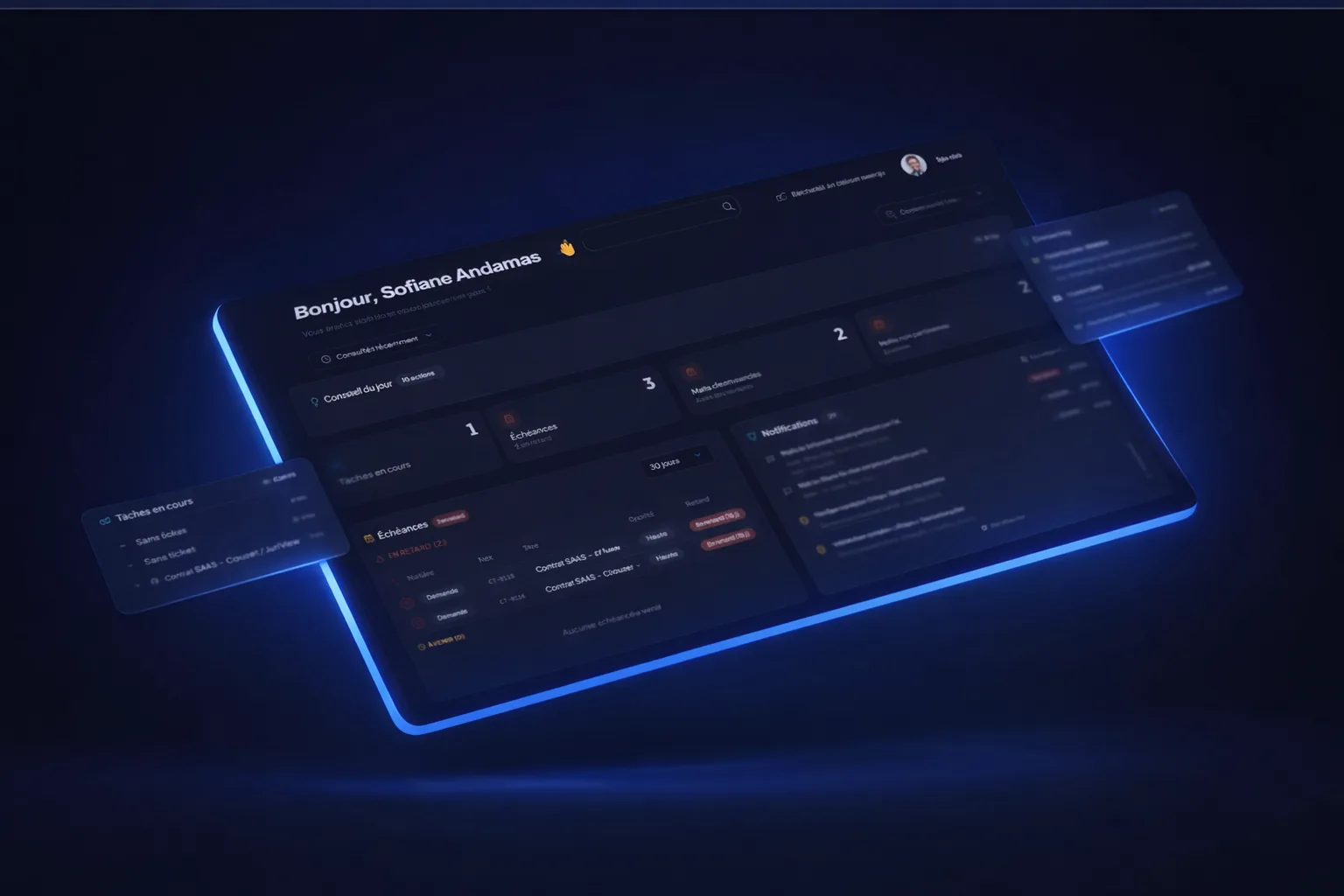
Juriview places legal request management at the heart of an intuitive, fully centralized environment. Emails, Outlook actions, context from Teams exchanges, meeting notes, Word documents and the business portal feed the same working journey through their respective connection or attachment methods.
Ticketing, matters, contracts, approval workflows, electronic signature and deadlines do not need to be reconstructed in separate tools. The goal is continuity from the incoming request to follow-up.
Bring an anonymized real request to a demo: an email, its Word attachment and information added during a meeting. Check how the pieces come together and how the requester follows progress.
Legal request management: common questions
How does legal request management differ from Legal Intake?
Legal Intake covers reception and qualification. Request management also includes assignment, handling, exchanges and follow-up through resolution.
Should a portal replace email?
Not necessarily. Juriview supports automatic ticket creation from a connected dedicated email address and offers a business portal. Both should connect to common follow-up.
Can you manage a request from Outlook?
Yes. The Juriview add-in lets you link the selected email to a request, create a request and indicate relevance from the Outlook pane.
Does every Teams message or meeting automatically become a ticket?
That is not what this journey describes. Juriview supports Teams meeting creation with a connected calendar and voice notes. Relevant context joins the matter through the capture or attachment method used.
What does AI do in request handling?
AI assists legal work within the scope of internal data. Counsel remains responsible for analysis, priorities and validation; centralization does not replace professional judgment.
Follow a request through Juriview, from first email to follow-up
Start with your channels and a real use case to explore intuitive, centralized legal request management.
Schedule a demo