Implementing legal intake means organizing how legal requests are received and qualified. The challenge is not to build the most comprehensive form: it is to capture enough context to act without creating a journey business users will bypass. Here is a practical method for connecting incoming requests with their handling.
1. Start with real requests, not software categories
Review a sample of recent requests: supplier agreements, HR questions, marketing approvals and complaints. Identify the missing details that led to follow-up. Build categories using the words business users recognize, rather than legal specialisms alone.
Start with a limited, clearly communicated scope. Email can remain an entry point if its requests join the same tracking environment. A separate list without ownership recreates the fragmentation intake is meant to reduce.
2. An example legal intake form
The following is a suggested organizational template, not a list of mandatory Juriview fields. Adapt it to your needs and collect only necessary personal data.
- Requester and team: who owns the need and can answer questions?
- Relevant entity: which company is involved?
- Request type: agreement, question, dispute or another identified need.
- Context and expected outcome: what must be decided, reviewed or produced?
- Desired date and reason: announced signing, legal obligation or business dependency.
- Supporting documents: draft agreement, received letter or version to review.
- Stakes or sensitivity: value where relevant, confidentiality or a flagged risk.
3. Separate stated urgency from legal priority
An “urgent” checkbox is not enough. Ask why a date matters and what happens if it is missed. A formal demand with a defined deadline and a contract review requested before a holiday need different assessments.
Counsel decides based on risk, impact and constraints. Provide an escalation path for sensitive requests. Only commit to a response time the team can meet: a generic promise can create more chasing than it prevents.
4. Give every request an owner and a clear status
Define who reviews new requests, who fills qualification gaps and who can reassign a matter. “Received” does not mean “approved”. Stages such as received, awaiting information, in progress and completed work better when they reflect an actual action.
Illustrative example: procurement requests a contract review without the pricing schedule. Counsel identifies the missing document, keeps the exchange in the matter and resumes analysis when it arrives. The requester does not need to submit the issue again.
5. Connect legal intake to legal work in Juriview
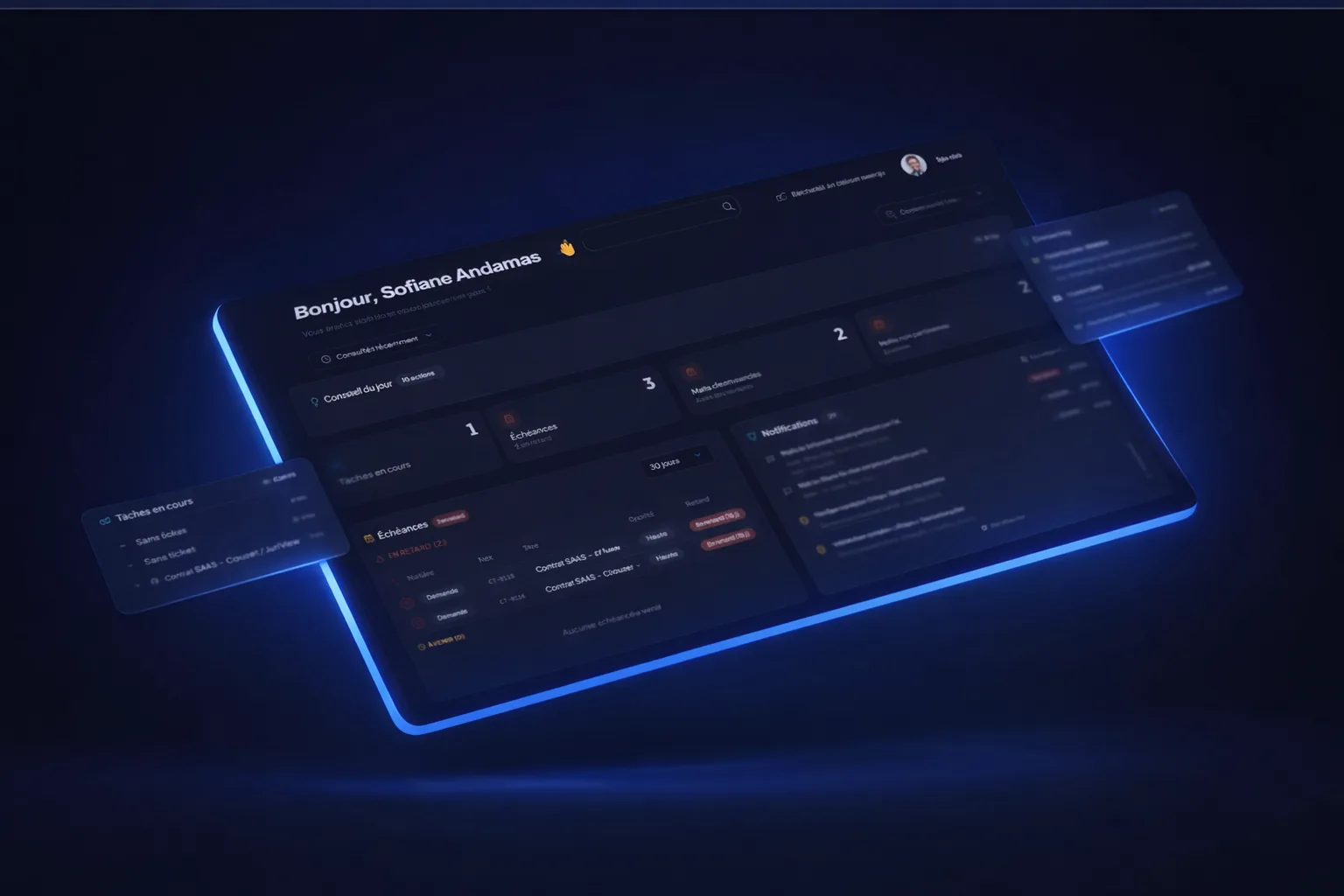
Juriview positions Legal Intake within an intuitive, fully centralized working environment. Requests received by email or through the business user portal can feed legal follow-up rather than becoming a separate spreadsheet to maintain.
The value is continuity: legal ticketing, matters, documents, approval workflows, contracts and electronic signature belong to the same environment. Intake prepares the work; it does not replace contract negotiation or counsel’s judgment.
During a demo, start with a representative request. Check how its context carries into the matter, how business users follow progress and which access rights protect sensitive documents. This concrete journey is more useful than comparing the number of fields in a form.
6. Measure intake quality, not just volume
These metrics are suggestions for operational assessment, not a promise of predefined reporting. An increase in requests may simply mean the team is capturing work that was previously invisible.
- Share of requests complete on first receipt.
- Time between receipt and first ownership.
- Requests returned for missing information.
- Distribution by request type and business team.
- Waiting requests and reasons for blockage.
Mistakes to avoid at launch
Avoid exhaustive forms used for every subject, obscure legal terminology and mandatory information the requester does not have. Do not leave business users without feedback after submission.
Test the journey with actual users, adjust the questions and confirm that only authorized people can access sensitive documents. Successful legal intake is a shared discipline supported by a centralized tool, not unsupervised automation.
Legal intake: frequently asked questions
Which fields should a legal intake form include?
Capture the requester, relevant entity, need, context, desired deadline with its reason and supporting documents. Adapt the list to request type and confidentiality.
Should legal requests by email be banned?
Not necessarily. What matters is that requests enter a common tracking process with an identified owner rather than staying in individual inboxes.
How can you tell whether intake works?
Compare request completeness, time to first ownership and follow-ups for missing documents. Also check whether business users understand request status.
Design your intake journey with Juriview
Bring a sample request and see how to connect its receipt, matter and follow-up.
Schedule a demo